iOS 26’s Camera app hides key features, here’s how to find them
https://ift.tt/k1qhr6T
iOS 26 introduced perhaps the biggest overhaul yet for Apple’s Camera app. But some users might find that many of their favorite features are missing. Here’s how to find them.
The iPhone’s Camera app is easily one of the most important and popular. And in iOS 26, it received some big changes.
Users might even panic a little the first time they open the redesigned Camera app.
Why? Because it appears that core features are missing, like:
- Portrait
- Pano
- Slo-Mo
- Time-Lapse
Actually though, Apple has simply chosen to make these controls invisible by default, despite them being available in the same place as always.
Even though iOS 26’s Camera app only shows Video and Photo as available modes, you can actually swipe left and right—just the same as always—to access those additional features.
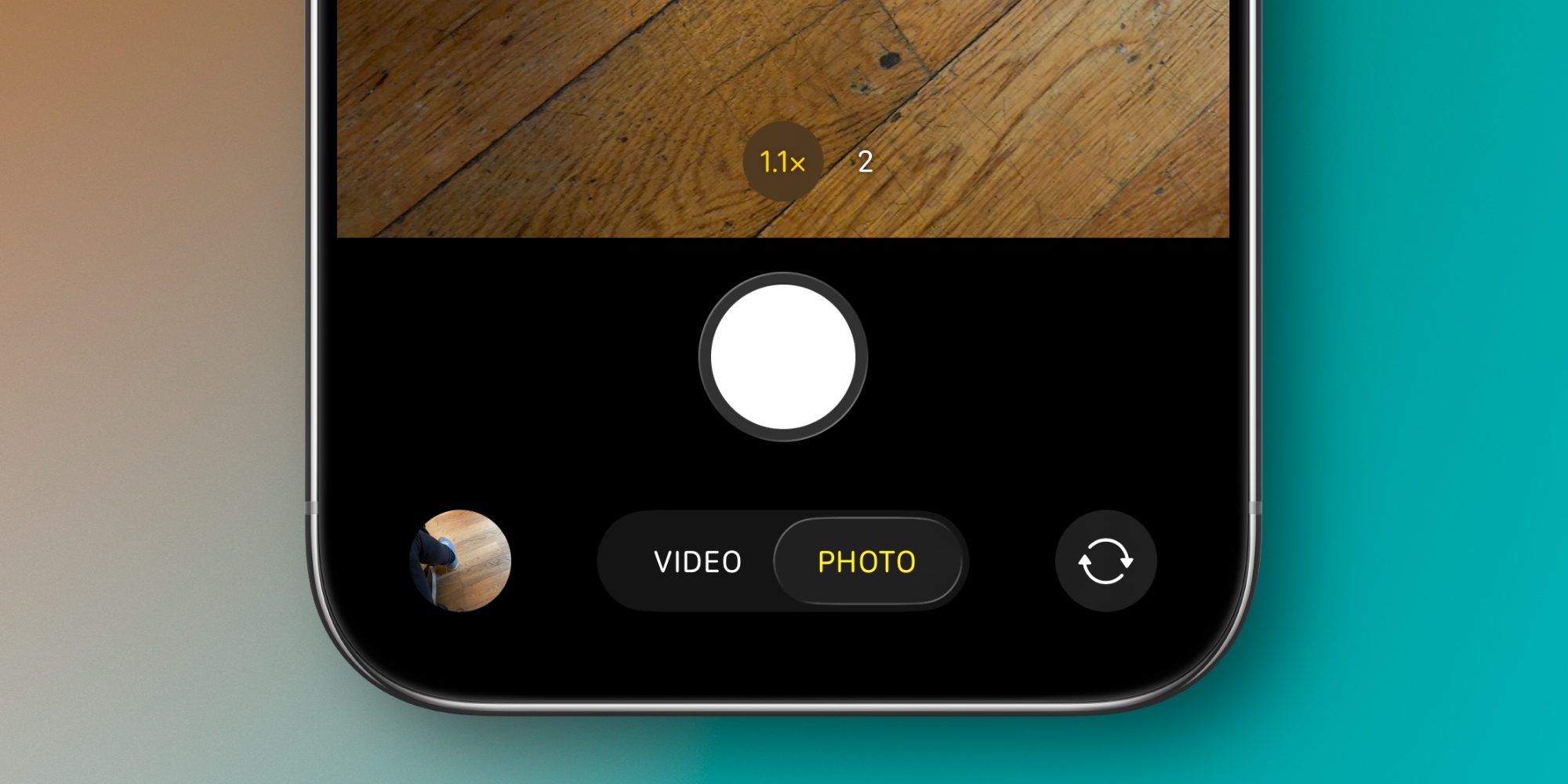
Swipe left on Photo, for example, and you’ll find Portrait mode.
So switching modes works the same way as ever. But for the sake of reducing visual clutter, I suppose, Apple decided to hide those additional modes.
Personally, it’s very rare that I use any mode but Photo and Video. But I’m still not a fan of this change.
I wish Apple offered some sort of persistent visual indicator that users can swipe to find their tried and true extra camera modes.
Also, in case you missed it, the grid icon in the top-right corner of Camera now houses a bunch of different settings.
For photos these include Flash, Live Photos, Timer, Exposure, Photographic Styles, Aspect Ratio, and more. But they change based on the camera mode you’re in, so in Video mode you’ll see Action mode and Dual Capture on compatible iPhones.
What do you think of iOS 26’s changes to the Camera app? Let us know in the comments.
Best iPhone accessories
FTC: We use income earning auto affiliate links. More.

Apple
via 9to5Mac https://9to5mac.com/
October 30, 2025 at 11:12AM